How to use Minecraft Factory
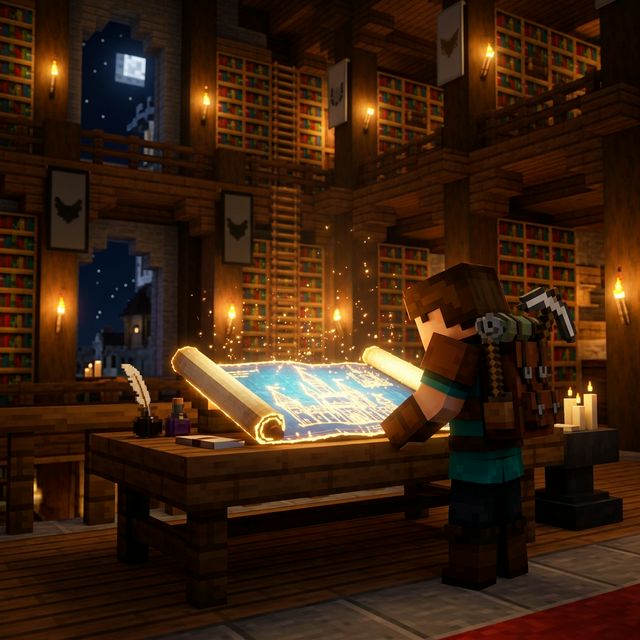
Choose Your Blueprint
Browse our collection of thousands of blueprints. Use filters to find exactly what you need, from medieval castles to modern houses. Each blueprint shows dimensions and total block counts to help you plan your build.
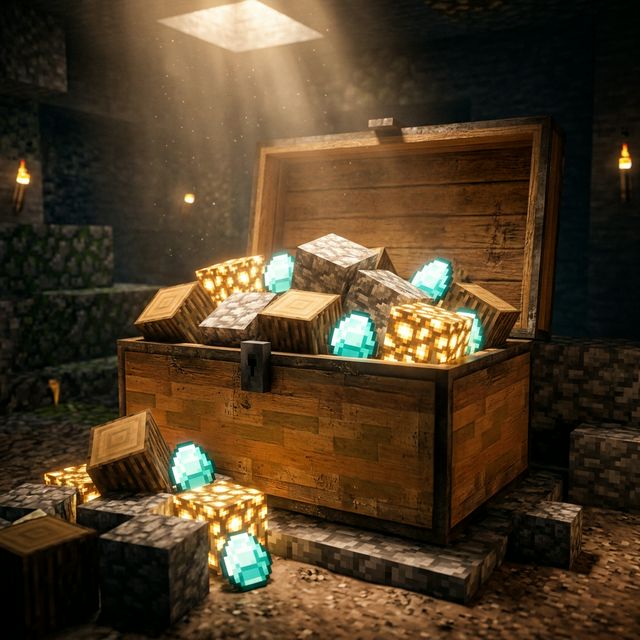
Gather Your Materials
Every blueprint comes with a complete material list. We've mapped legacy blocks to modern Minecraft versions, so you'll always know exactly what to gather. No more guessing which terracotta or wood type you need.
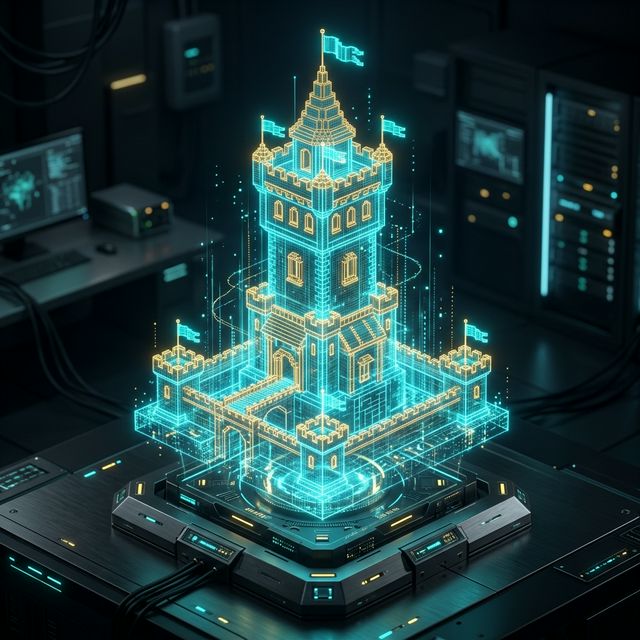
Use the 3D Viewer
Before you start placing blocks, explore the structure in our high-performance 3D viewer. Rotate, zoom, and plan your site layout. You can see precisely how every block fits together in 3D space.
Build Layer by Layer
The secret to complex builds is working vertically. Use the Layer Slider to start from Layer 1 (the foundation). Build exactly what you see, then move the slider to the next level. Use "Ghost Mode" to keep context of the layers below while focusing on your current work.
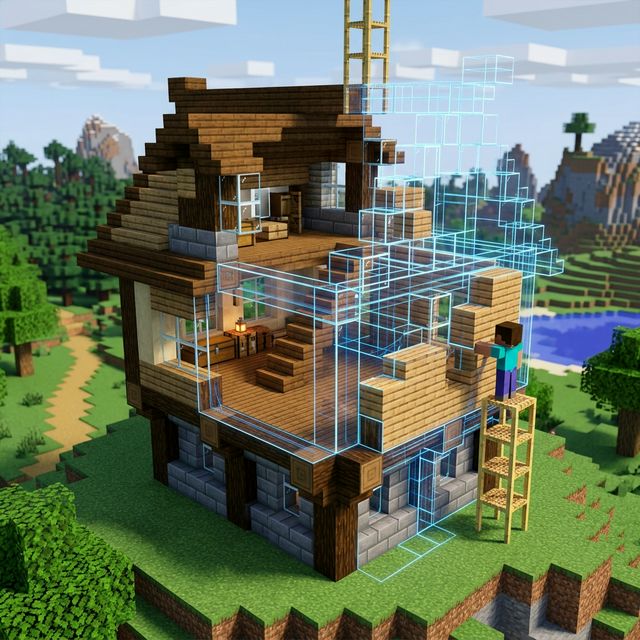
Create a Village Plan
Go beyond single buildings. Use the Village Designer to arrange multiple blueprints into a beautiful layout. Save your village plan to access it later or share it with your community.
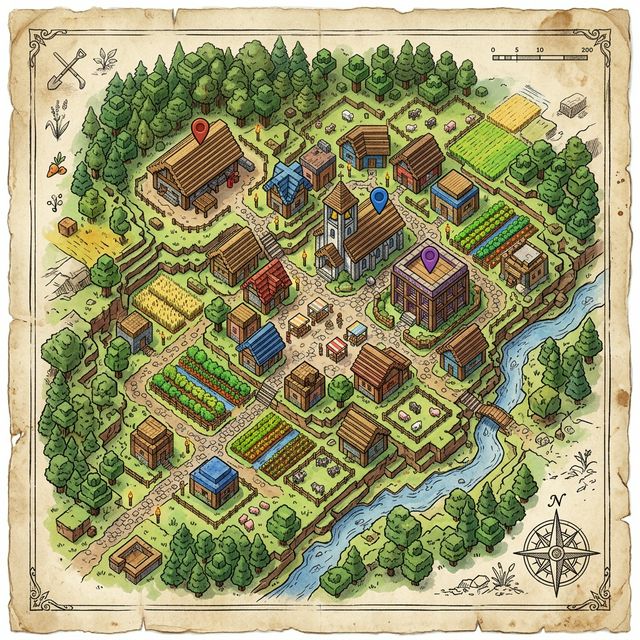
Deploy an AI Bot
Tired of placing blocks? Visit the Bot Console to create a Mindcraft AI bot. Connect it to your server, and ask it to build your favorite blueprints or entire village plans for you automatically!
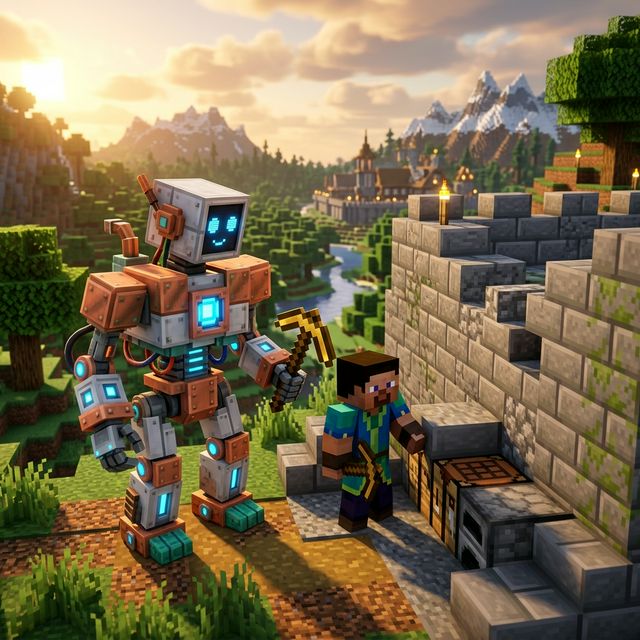
Share Your Progress
Once you've finished your masterpiece, share it with the world! Every blueprint and village plan has a unique URL you can send to your friends or server-mates.